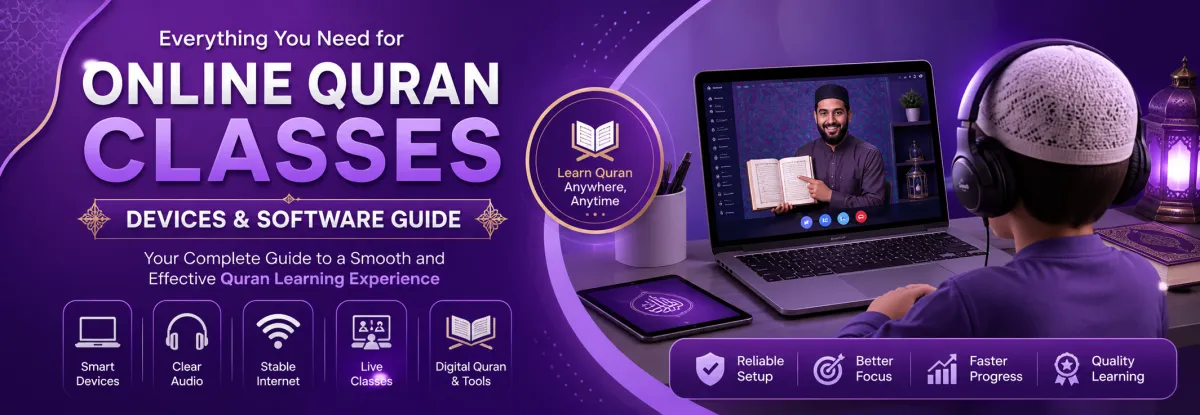
What Devices and Software Are Required for Online Quran Classes? (Complete 2026 Guide)
Online Quran learning has made it easier than ever for students especially in countries like the USA, UK, and Canada to learn from qualified teachers worldwide. But to ensure smooth, distraction-free classes, having the right devices and software is essential.
This guide covers everything parents and students need to set up a reliable, high-quality online Quran learning environment.
Why the Right Setup Matters for Online Quran Classes
A proper digital setup is not just about convenience it directly impacts:
Tajweed accuracy (clear audio is critical)
Student engagement
Teacher-student communication
Consistency in learning
Poor audio, lagging video, or unreliable devices can disrupt lessons and slow progress significantly.
Essential Devices for Online Quran Classes
1. Computer, Laptop, or Tablet
A reliable device is the foundation of online learning.
Recommended options:
Laptop (Best choice): Ideal for stability and multitasking
Desktop computer: Great for fixed study setups
Tablet/iPad: Suitable for younger students
Minimum requirements:
4GB RAM (8GB recommended)
Updated operating system
Functional camera and microphone
👉 Avoid relying solely on smartphones they can limit visibility and interaction.
2. High-Quality Headphones with Microphone
Clear pronunciation is essential when learning Quran with Tajweed.
Why it matters:
Reduces background noise
Improves listening clarity
Helps teachers correct mistakes accurately
Tip: Use noise-canceling headphones for best results.
3. Stable Internet Connection
A fast and stable internet connection is non-negotiable.
Recommended speed:
Minimum: 10 Mbps
Ideal: 20+ Mbps
Best practices:
Use a wired connection (Ethernet) if possible
Keep backup mobile data available
Avoid streaming/downloading during class time
4. Webcam (If Not Built-In)
Visual interaction helps teachers monitor:
Mouth movements
Pronunciation accuracy
Student attentiveness
Most laptops have built-in webcams, but external HD webcams offer better clarity.
5. Digital Quran or Printed Mushaf
Students should have:
A physical Quran (Mushaf) for traditional reading
Or a digital Quran app/software for screen sharing
Essential Software for Online Quran Classes
1. Video Conferencing Tools
These are used for live classes with teachers.
Common platforms:
Zoom
Skype
Google Meet
Key features to look for:
Screen sharing
Recording (for revision)
Stable audio/video connection
2. Quran Learning Apps & Tools
These tools enhance Tajweed and memorization:
Digital Quran with Tajweed color coding
Audio recitation apps
Memorization tracking tools
3. Learning Management Systems (LMS)
Professional institutes often provide:
Student dashboards
Progress tracking
Lesson scheduling
Homework submission
This creates a structured and accountable learning experience.
4. File Sharing & Communication Tools
For homework, notes, and communication:
WhatsApp (quick updates)
Email (formal communication)
Google Drive (sharing materials)
Optional but Highly Recommended Tools
1. Writing Tablet (For Kids)
Helps younger students:
Practice Arabic letters
Improve writing skills
2. Quiet Study Space
Not a “device,” but just as important:
Free from distractions
Good lighting
Comfortable seating
Common Mistakes to Avoid
Using outdated devices that lag
Poor internet causing frequent disconnections
No headphones (leads to unclear audio)
Studying in noisy environments
Not testing software before class
Pro Tips for a Smooth Online Quran Learning Experience
Test your setup before the first class
Keep all devices fully charged
Update apps regularly
Use a fixed study schedule
Ensure parental supervision for younger children
Final Thoughts
Setting up the right devices and software for online Quran classes is a one-time effort that ensures long-term success. With a stable connection, proper tools, and a structured environment, students can achieve excellent results especially in mastering Tajweed and memorization.
For parents in Western countries, this setup bridges the gap between traditional Quran learning and modern convenience, ensuring children stay connected to their faith with quality education.